Disneyland

5 Tips for Your Toddler at Disneyland

Taking Toddler to Disneyland Tips 2025

Sometimes, when the words “I’m taking my toddler to Disneyland” come out of someone’s mouth, a lot of people have opinions.

“Now, why would you do that? That seems miserable.”

“They won’t even remember it!”

And it’s the remembering thing that really gets me. Because, if I’m being totally honest… we do lots of things our kids won’t remember. They won’t remember us reading them bedtime stories every night or singing them a lullaby or rocking them when they were newborns… but that doesn’t make those things unimportant. If we base everything we do on whether our kids will directly remember it, we wouldn’t do anything the first 3-4 years of their lives.

This is me, from one parent to another, telling you that you are not crazy to want to take your kiddo to Disneyland. It’s kind of the ideal time: under age 3 kids are free, which means it reduces the overall cost significantly. Plus, it will make YOU happy and your happiness does, in fact, matter. That’s a win win.

Here are my tips for taking your toddler to Disneyland.

1. Don’t Plan Anything YOUR Toddler Can’t Handle

You know your kid. You know your kid better than a stranger (me, or everyone in Disney planning groups in Facebook) on the internet, that’s for sure. So when someone tells you, “this was totally fine for my toddler” or “my toddler would never be able to do that”… take that with a grain of salt. You. Know. Your. Kid. Plan accordingly.

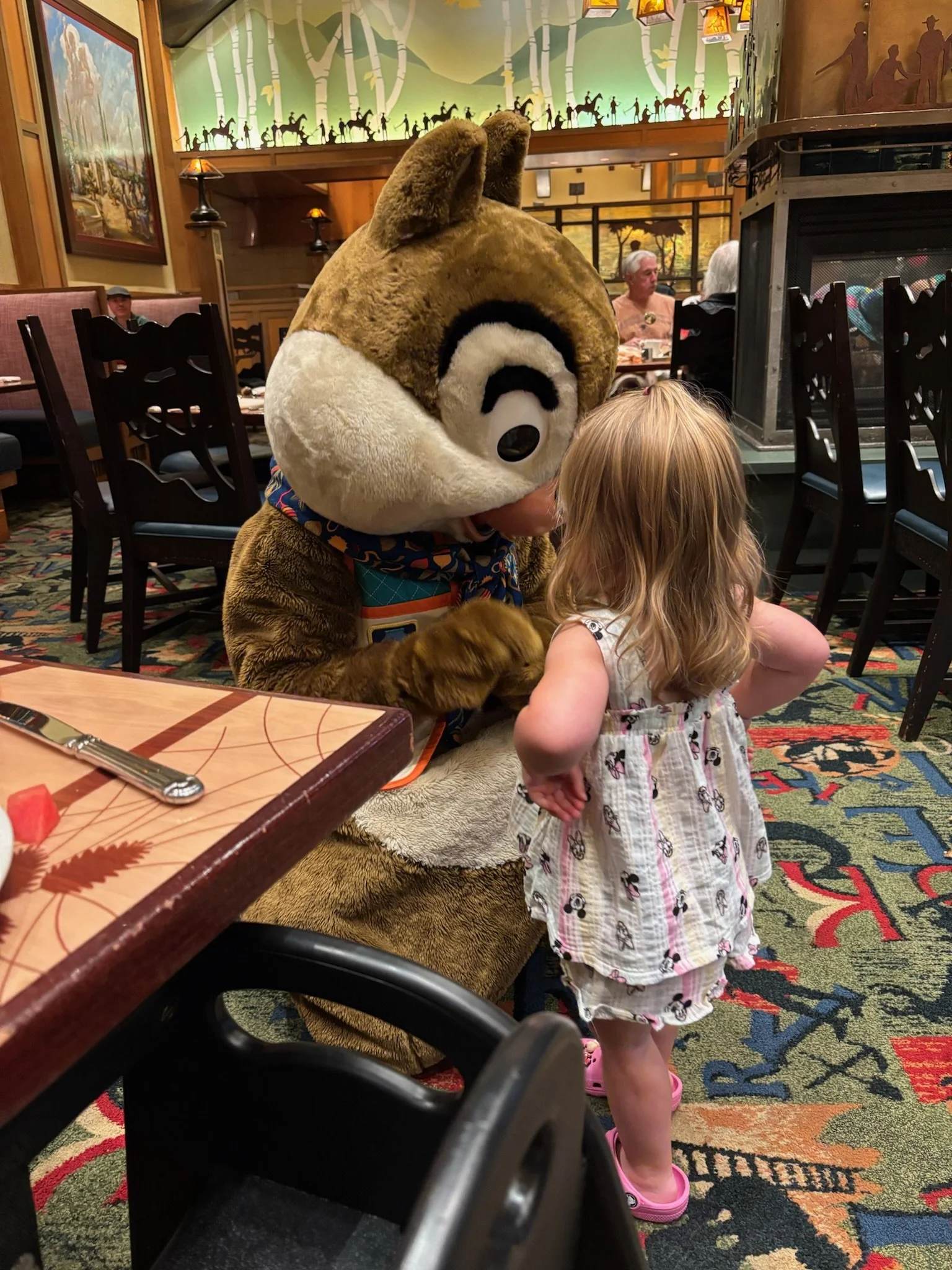
You know if your kid is going to be able to sit through a character breakfast. You know if your kid is going to freak out on a dark ride. You know your kid will be thrilled by a stage performance. Plan according to your kid, not what the internet tells you.

Just for some anecdotes, my toddler loved Winnie the Pooh. We prepared her for our trip by watching YouTube videos of rides and the Winnie the Pooh ride stuck with her. We rope dropped it every day, I’m not kidding. Some people would hate that. They would be miserable about that. But she loved that ride. I knew my daughter could handle that ride; I knew that was about the limit of intensity for her.

2. Set Realistic Expectations

Hey, so this trip probably isn’t going to be the trip where you ride every single ride. And, just talking realistically, it’s also probably not trip where it will be magically not crowded, you’ll get the best seats for the parade, etc. Keep your expectations realistic.

You’re likely going to need a mid-day break. A nap, a splash in the pool, a hearty snack, and back to it. You’re going to find shade and eat snacks several times throughout the day.

3. Buy a Mini Diaper Bag

This was one of my best tips and it’s honestly one of my favorite purchases of all time. Let me explain. When we took our daughter to Disneyland last year, she was still in diapers. I stressed about carrying a massive diaper bag into the park. Then, I found this mini diaper bag. It’s the right size for a pack of wipes (needed for more than just diapers, tbh), 3-4 diapers or pull ups, a mini diaper cream, and some hand sanitizer. It’s quite literally perfect. I recommend it to everyone.

4. Prepare to Stop Early

Our typical tactic in previous years was to spend the day at Disneyland, eat dinner, get our oldest (who was <6 at the time) to sleep, then return to the parks while a grandparent sat with him. This time, that was not the case, since our toddler refuses to sleep without one of us present — and also her nap schedule got totally destroyed on our trip. Honestly, it was fine.

Since we stayed at Pixar Place, I could get her to sleep at around 8pm, then drink a crispy Diet Coke while watching the lights of California Adventure. My husband would take our son to the parks and come back with a special snack for all of us.

Like I said earlier, this might not be the case for you, depending on your kid, but if your toddler loves a routine… honestly, you’ll be finishing your days earlier than you might want to. Prepare for that reality and make the most of it.


Wow, thanks for reading. I started writing this post almost a year ago and finally finished it now, on July 1, 2026. What are your top tips for a Disney trip with your toddler?

The 5 Best Apps for Disneyland

the 5 Best Apps for Disneyland

I've written two posts about going to Disneyland in June: tips for taking your toddler here; and everything you need to pack into the parks here. I wanted to write just one more: the apps that made our Disneyland experience much, much better and easier. 

Apps are definitely not something I first think of when it comes to Disneyland. Isn't that odd? But my last two trips, I have found myself downloading apps while in the park so we can better plan our day. Want to know what I used on our most recent trip? 

1. The Official Disneyland App

Cost: Free

This is honestly my favorite app. It connects to your Disneyland account, so when you get photos with a character or at a landmark, you just scan the card they give you and it automatically adds the photos to your account. It makes it much easier to purchase photos later! (Note: They are expensive!) Also, the Disneyland app has wait times for everything, from gift shops to rides. It's great for figuring out official wait times, what's broken down, and where crowds are congregating. 

2. MouseWait

Cost: Free

MouseWait is another wait time app, but what I specifically like about it is that it shows the capacity level. I don't know exactly how they calculate this, but it shows at what percentage capacity the park is at. In the off-season, the numbers are anywhere from 10-40%, which is really low and manageable. In the summer, anything over 85% is going to mean crowded walkways and long lines. Danny and I like to go in the morning, then leave once it starts to hit 70%+, then return at night when it's dropped back to 65%ish. 

3. Hidden Mickeys: Disneyland 

Cost: $5.99 

It's not all planning! Hidden Mickeys is a great app for identifying and collecting Hidden Mickeys. Hidden Mickeys are not really my thing that I enjoy collecting, but I do love finding them spontaneously. This app is a lot of fun though, especially if you're a Disney fanatic who wants to find every single one on your trip! 

4. Maps

Cost: Free

"Michelle," you whisper, "That's an app that comes on everyone's iPhone." Yes, and? It's the best. If you have Maps and an iPhone, you can share your location for a single day with everyone you know. That means if, say, you and your husband decide to split up while you change a diaper and he grabs FastPasses, you don't play a super fun game of hide-and-seek in a super crowded part of Main Street USA. My husband and I did this to make our lives easier; we shared locations each day in Disneyland so we could find each other if we got separated. It works like a charm! 

5. A Color Story

Cost: Free 

A Color Story is my favorite photo editing app. It's perfect for fixing up those quick photos you take in the park because you can save pre-set directions depending on how a photo looks. At the end of each day, I would lie in bed at the hotel with ice on my shins (I am old) and edit photos. Because that's what I do.